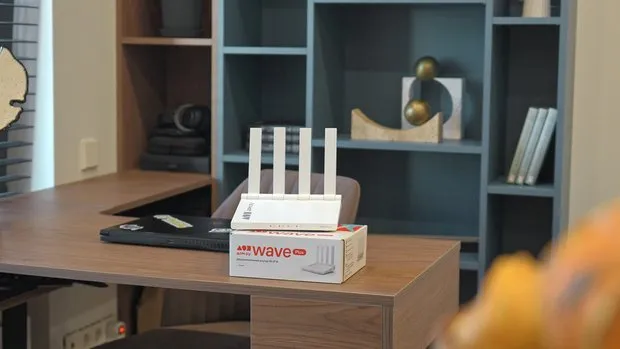
Tip: It’s better to decide on a location for the router before starting repairs and plan in advance for an electrical outlet and an internet cable outlet nearby. If the TV, desktop computer, or gaming console will all be in one area, network cables can be run through the walls to them. The Dom.ru Wave Plus (Plus) AX3000 has gigabit ports for direct connection to such devices — so there’s no need to run wires along the baseboards after repairs.
The router supports Wi-Fi 6 and operates simultaneously in the 2.4 and 5 GHz bands. The former is suitable for devices where connection range is more important, while the latter is ideal for watching videos, making video calls, and playing online games. A powerful processor and increased memory capacity help distribute the load when multiple family members use the internet at the same time.
The Dom.ru Wave Plus (Plus) AX3000 can connect up to 100 devices: smartphones, laptops, TVs, speakers, cameras, sensors, and other equipment. This is important for a modern home where not only standard gadgets but also smart home devices are constantly connected to the network.
The claimed coverage area is up to 100 m², with a connection speed of up to 3000 Mbps. The router is designed for gigabit connections, allowing users to take advantage of high-speed services for work, content viewing, and gaming. This model is compatible with networks from various providers, so there’s no need to replace it when changing service providers.
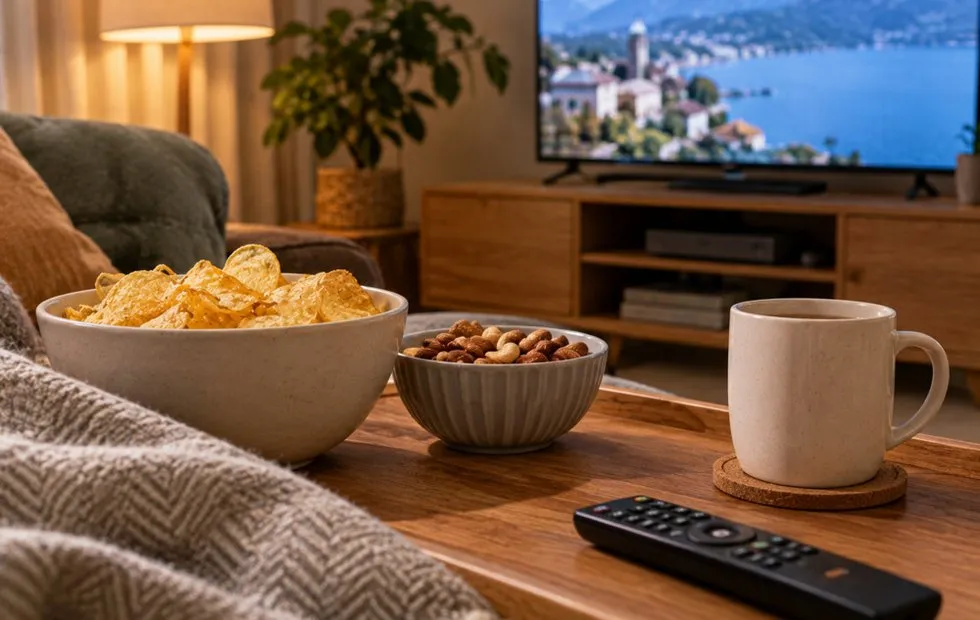
Hide connections in the TV area in advance
Do not seal the wires completely—equipment changes over time, and cables can become damaged. The channel should be wide enough and accessible from both sides. If drilling the wall isn’t possible, you can hide the connections behind a decorative panel or in a neatly fitted cable channel that matches the wall finish.
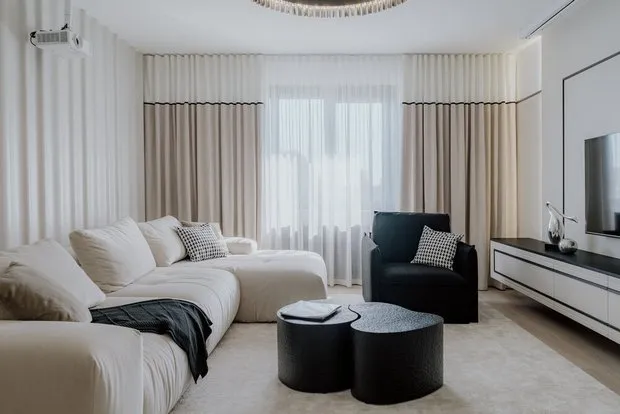
Choose furniture with wire holes
A hole in the desk surface along with a cable tray underneath it are useful for a desk setup. You can store the network filter and power supplies in the tray, leaving only the short ends of the cables on the surface. This prevents wires from lying on the floor and causing cleaning issues.
The network can be managed through mobile apps: “My Dom.ru” for Android or “My Wave” for iOS. To change basic settings, there’s no need to remove the router from the shelf and connect it to a computer.
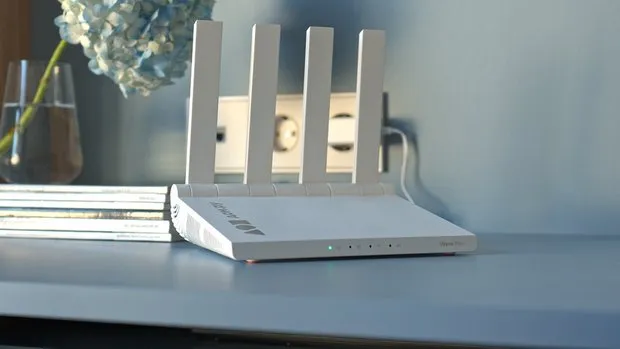
Create a charging spot
Extra length of cables can be stored in a cable management box, while chargers can be tied down or secured with holders. Do not cover power adapters with fabric or stack them tightly—there should be space around them. If the outlet is installed inside a cabinet, plan for a cable outlet in advance and ensure it’s possible to turn off power quickly. The cabinet should not be filled with clothes or papers.
Use baseboards and cable channels
On the back of furniture, wires can be secured with clips, and multiple cables can be grouped together using flexible sleeves. The key is not to stretch them or stick them to the floor with regular tape—access to the connections must remain unobstructed. Do not bundle all the wires tightly together. Power, internet, and audio cables should be routed carefully, avoiding sharp bends and pressure from the furniture.
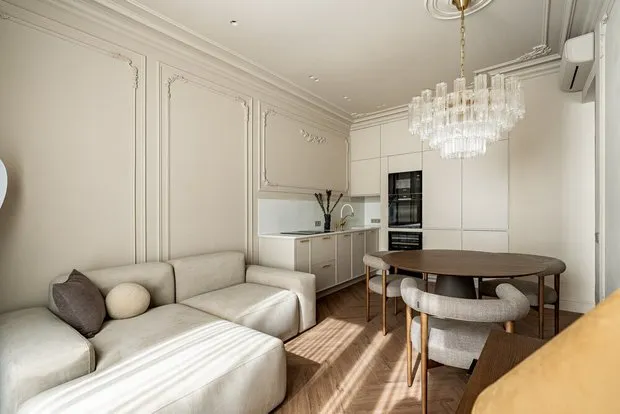
Leave some space and a small buffer.
Leave one or two spare outlets near the TV and desk. In a few years, a new console, speaker, charger, or other device might be added there. Having an extra outlet eliminates the need for an additional extension cord. Before covering cables with panels or built-in furniture, take photos of their layout and label the ends. This simple step will greatly simplify repairs, relocations, and connecting new equipment.
A tidy interior depends not on the complete absence of wires but on the thoughtful placement of appliances. If connections are planned in advance, furniture with cable holes is chosen, and the router is not hidden in a closed cabinet, the devices will remain easy to use without disrupting the room’s order.
erid:2W5zFGKmjD4. Advertising. dom.ru. ER-Telekom Holding JSC. INN 5902202276