How to Log In to IHG Merlin: Complete 2026 Guide
IHG Merlin is the internal employee portal used across all InterContinental Hotels Group properties worldwide. Whether you are new to the company or need to check schedules and training tools, this guide walks you through every essential step. You will learn how to complete your initial registration, sign in securely, and unlock your travel perks.
This updated 2026 walkthrough gives you direct instructions for the modern IHG employee portal login. It covers multi-factor authentication, account troubleshooting, and the latest booking rules for staff discounts.
What Is IHG Merlin?
IHG Merlin is the secure global intranet system used by employees across all corporate offices, managed hotels, and franchised properties. It connects staff, management, and corporate teams in over 100 countries under a single operational umbrella.
Through the portal, you can handle daily hotel tasks and personal benefits:
-
Access official brand standards and regional announcements
-
Monitor hotel performance dashboards and operational software
-
Complete mandatory compliance modules and professional training
-
Manage your linked IHG One Rewards profile
-
Book discounted hotel stays through the employee rate programme
-
Submit procurement orders through IHG Marketplace
Merlin serves as the digital backbone of IHG operations, ensuring consistent communication and standard procedures across every hotel.
Requirements Before Logging In
You cannot self-register without an official invite code from your general manager, and you must configure an approved authenticator app before signing in.
To access the IHG Merlin portal, you must meet several security and employment criteria:
-
Be an active employee at an IHG corporate office, managed hotel, or franchise
-
Hold a verified work or personal email on file with human resources
-
Receive your assigned network username and network domain
-
Have an authorized IHG Merlin self registration invite code from your General Manager or IT admin if you are a new user
-
Install an approved multi-factor authenticator app such as PingID or Entrust
Open self-registration without manager validation is no longer permitted. Make sure your property leadership generates your official invite token before you attempt first-time onboarding.
How to Log In to IHG Merlin (Step-by-Step)
Follow these steps to complete your IHG Merlin login securely:
1. Go to the official Merlin login page
Navigate to the single sign-on address at me2.ihgmerlin.com in your web browser.
2. Enter your username
Type your network account ID. This is usually assigned during hiring or generated from your employee number.
3. Choose your domain
Select your specific network domain from the drop-down menu. Your domain reflects your operating company or regional division: ask your department manager if you are unsure which one to pick.
4. Enter your password
Enter your network password carefully. Passwords are case-sensitive and lock after several repeated failed attempts.
5. Verify via Multi-Factor Authentication (MFA)
When prompted, approve the push notification or enter the one-time passcode generated by your PingID or Entrust authenticator app. Once approved, the system redirects you directly to the Merlin dashboard.
Forgot your password?
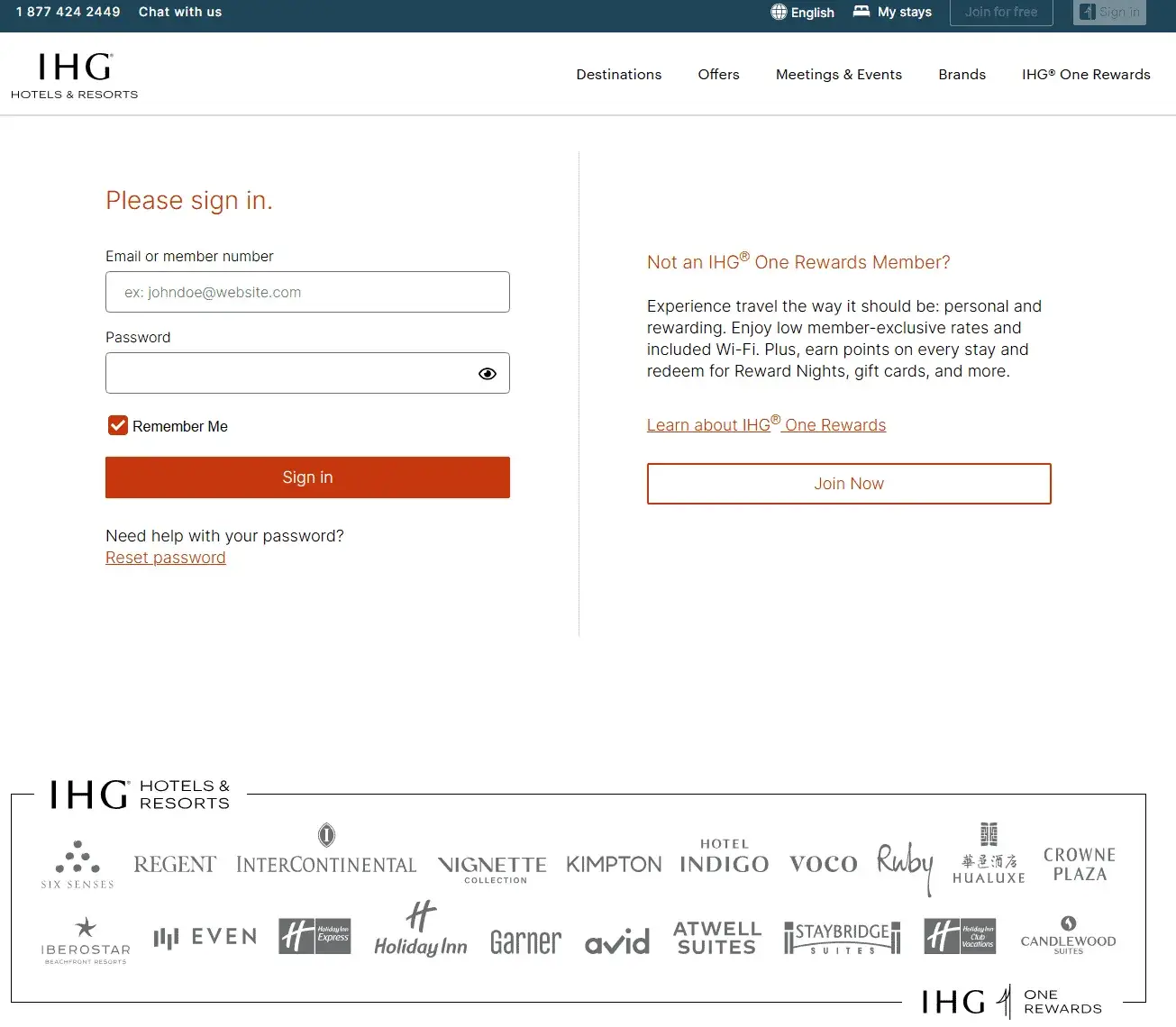
Use the Reset Password link on the login screen to start an IHG Merlin password reset. You will need your network username, domain, and access to your registered verification method to create a new password.
Linking Your Merlin ID to IHG One Rewards
Link your active 9-digit IHG One Rewards number under your Merlin profile settings to activate discounted employee room rates.
You must link your Merlin ID to IHG One Rewards to unlock discounted employee stays and staff hotel rates. Follow this process to connect your profiles:
-
Sign in to your account at me2.ihgmerlin.com.
-
Navigate to the Employee Room Benefit Programme section under your profile settings.
-
Enter your active 9-digit IHG One Rewards member number.
-
Input your official employee ID and property location code.
-
Submit the form and complete identity verification.
After validation finishes, your IHG One Rewards account automatically shows discounted employee inventory when searching for personal hotel stays.
Franchise property team members may require manual validation from their General Manager before special booking rates appear online.
IHG Employee Room Benefit Programme (2026 Rules)
You receive up to 30 employee room nights per year bookable 90 days in advance, but your property manager must re-validate your eligibility every six months.
IHG provides substantial travel savings through the IHG One Pass staff rate structure. Eligible employees receive up to 30 discounted room nights per calendar year, shared between the employee and an authorized companion.
| Programme Rule | Policy Requirement |
|---|---|
| Annual Night Allowance | Up to 30 room nights per calendar year (combined employee and companion use) |
| Booking Window | Reservations can be made up to 90 days in advance of the check-in date |
| Profile Linking | Requires an active Merlin ID linked to your IHG One Rewards number |
| Manager Re-validation | Employment status must be re-validated in the system every six months |
| Check-In Verification | Guest must present a matching government-issued photo ID at front desk check-in |
Always complete reservations through authorized IHG booking channels while logged into your linked IHG One Rewards profile.
The IHG Marketplace
IHG Marketplace is the central procurement platform integrated into the intranet. It allows hotel operators to order supplies, equipment, and contracted services through company-negotiated agreements.
-
Access to pre-approved global vendors and trusted suppliers
-
Strategic sourcing tools that track property budgets
-
Standardized group-buying discounts for economy of scale
-
Automatic tracking for manufacturer rebates
-
Direct ordering workflows for housekeeping, food and beverage, and maintenance
Using this system helps individual hotels manage inventory smoothly while upholding brand consistency across properties.
Merlin as the IHG Intranet System
Beyond benefits and purchasing, Merlin functions as the central communications hub for the entire hotel group. It keeps front-line teams, general managers, and regional executives aligned on corporate strategy and hospitality guidelines.
-
Direct communication with peers across sister properties
-
Real-time access to guest satisfaction scores and performance metrics
-
Updates regarding worldwide brand standards and campaign rollouts
-
Centralized document libraries for operations manual updates
-
IHG Frontline training modules, onboarding tracks, and certifications
Regular updates to the portal ensure that hotel teams have immediate access to standard operating procedures wherever they work.
Troubleshooting Login Problems & IT Support
If you run into issues signing in to the intranet, work through this troubleshooting checklist:
-
Verify that your username has no accidental leading or trailing spaces
-
Confirm that you selected the correct network domain for your region
-
Ensure Caps Lock is turned off when typing your password
-
Check whether your six-month employee rate eligibility re-validation is pending
-
Clear your browser cache, cookies, or try an incognito browsing window
-
Confirm that your PingID or Entrust MFA device has accurate time synchronization
When self-service tools do not resolve the problem, contact IHG Merlin network account support through your regional Global Technology Service Desk. Property leaders can also escalate lockouts or missing invite tokens directly through the internal ServiceNow ticketing portal.
Conclusion
IHG Merlin remains the core workplace tool for everyone across the InterContinental Hotels Group portfolio. Knowing how to sign in, configure multi-factor authentication, and connect your IHG One Rewards profile ensures you never miss out on operational updates or your employee travel privileges. Keep your credentials secure, renew your profile validation every six months, and contact local IT administrators whenever you need technical support.