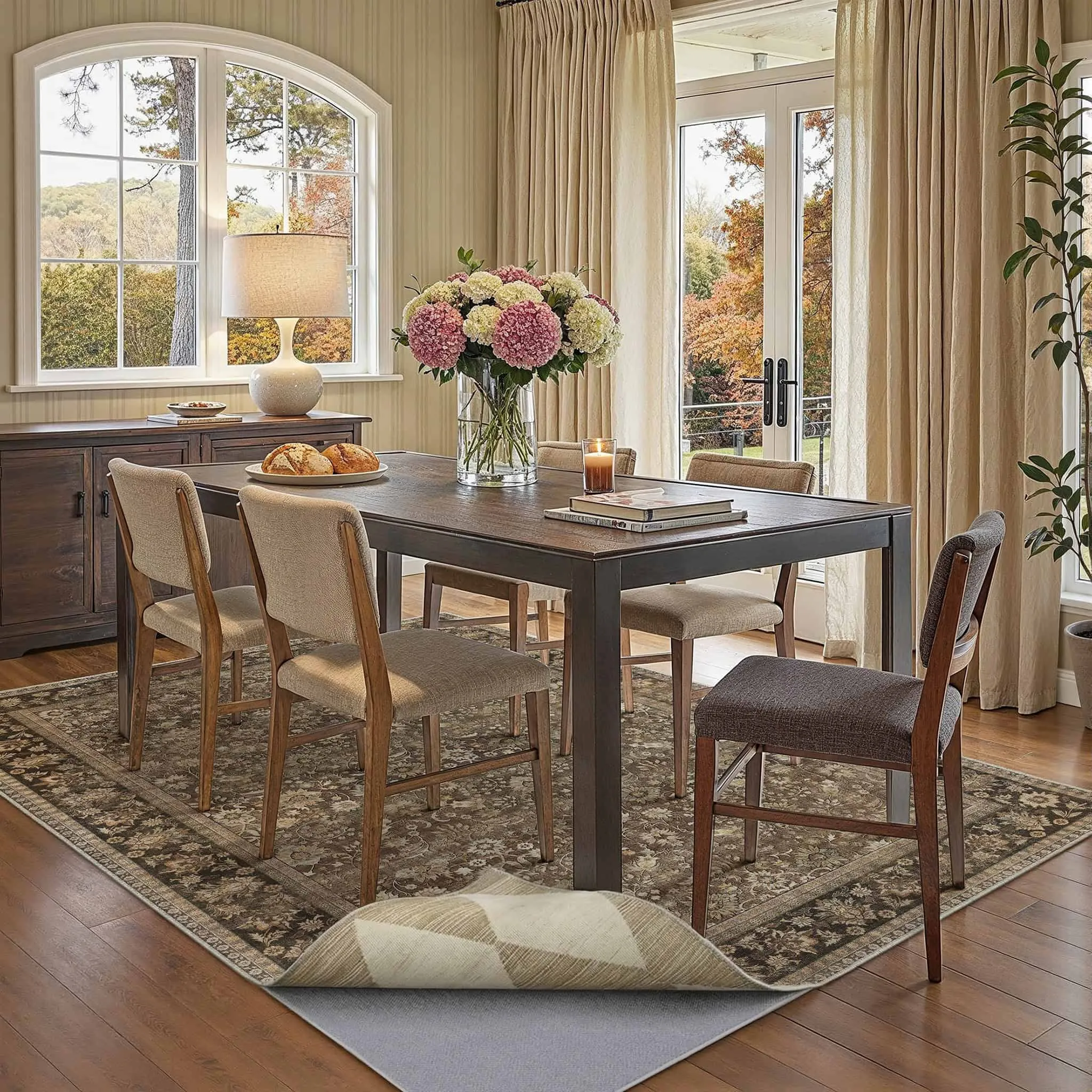
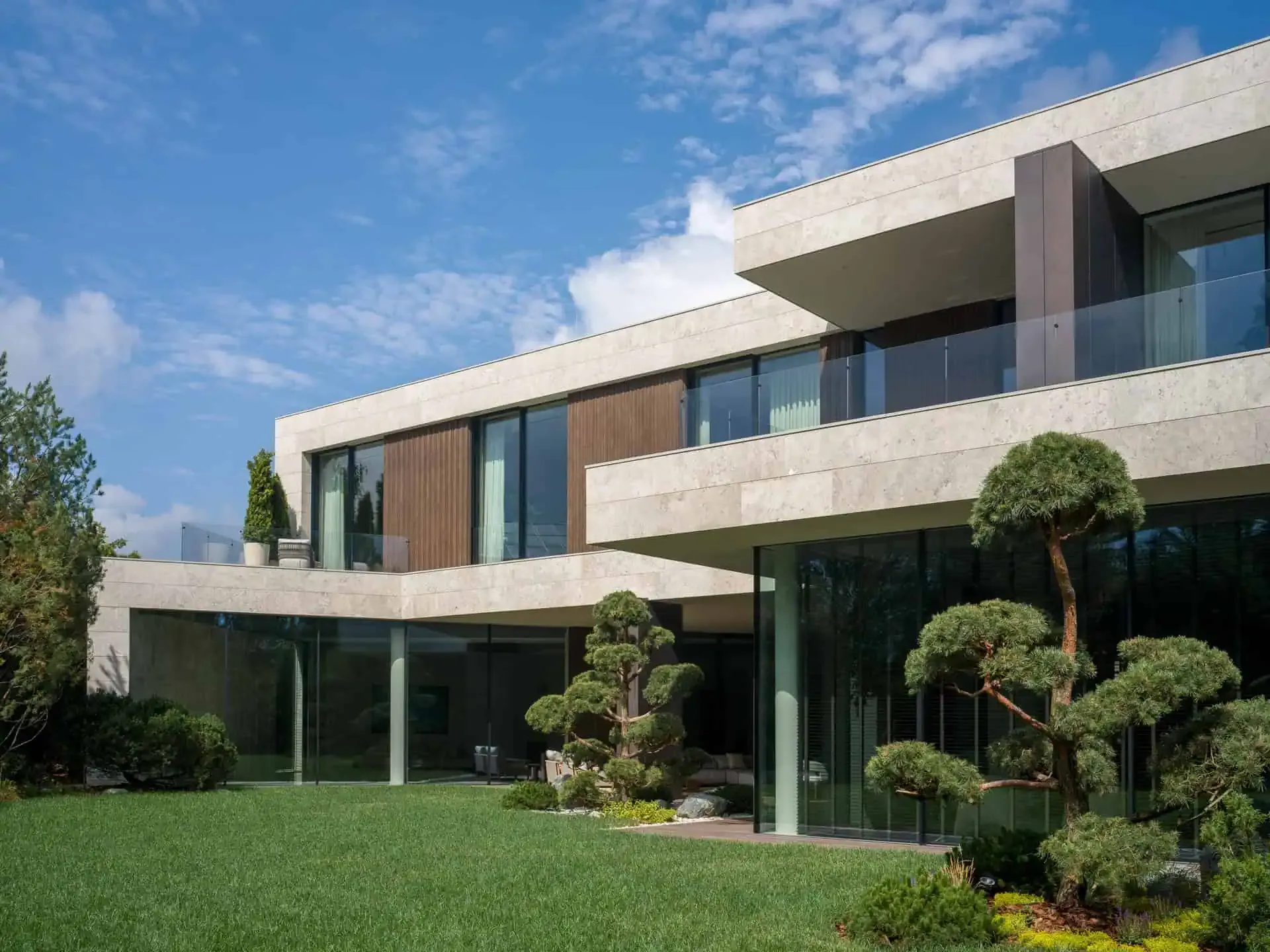
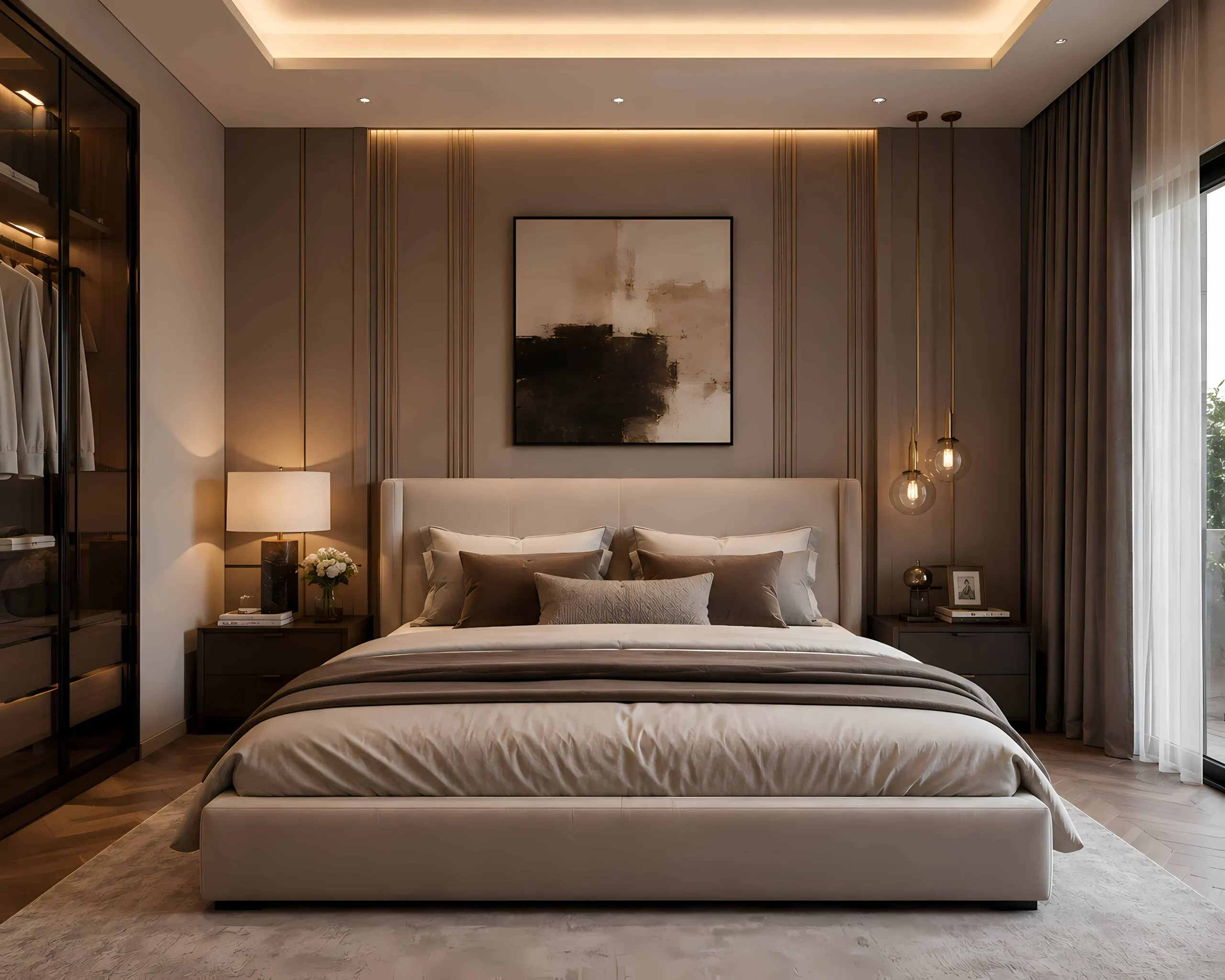
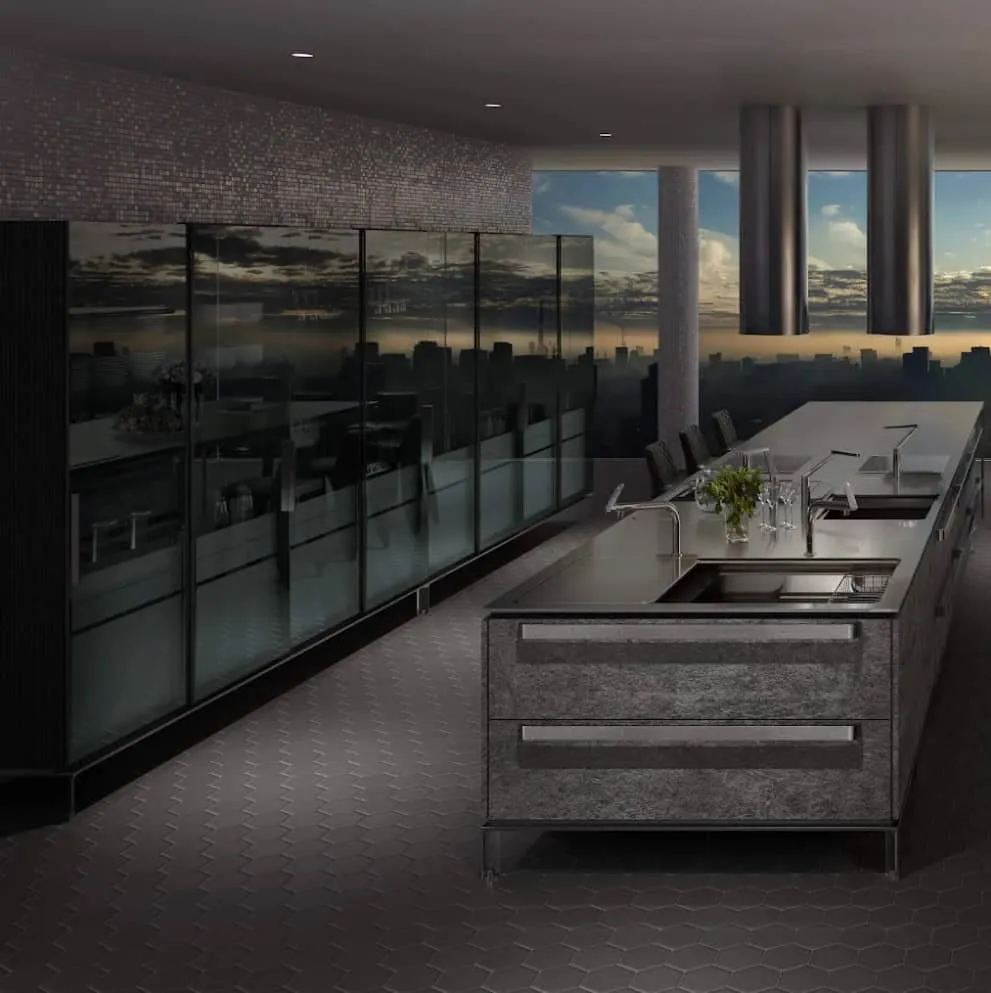
What Are the Best AI Tools for Architectural Visualization?
Discover the essential AI tools transforming renders, moodboards, interiors, and concept design in 2025.
Architectural visualization is transforming at extraordinary speed. What once required hours of rendering time, GPU-heavy workstations, and complex 3D pipelines can now be accelerated through AI-powered tools capable of generating high-quality concepts, interiors, materials, and moodboards in minutes.
For architects, interior designers, students, and studios, AI isn’t replacing design—it’s unlocking a new level of creative efficiency. The best tools on the market today help designers iterate faster, explore more ideas, and present compelling visuals long before a detailed 3D model exists.
This guide breaks down the best AI tools for architectural visualization, explaining what each one does best and how they fit into a professional workflow.
1. How AI Is Transforming Architectural Visualization
AI is no longer just a novelty in visualization—it’s becoming an essential part of the creative workflow. Designers now use AI to:
- Generate early concept sketches
- Produce moodboard variations
- Explore materials, color palettes, and styles
- Replace furniture and textures in seconds
- Rapidly iterate before creating complex 3D models
- Elevate presentation quality with polished imagery
- Communicate design intent to clients more clearly
The result is a more fluid, exploratory, and efficient workflow where ideas can evolve faster without sacrificing quality.
2. What Makes a Great AI Tool for Architectural Visuals?
Before choosing a platform, it’s useful to understand the criteria that matter most in an architectural context:
Photorealism & Spatial Accuracy
AI must maintain real architectural proportions, lighting, and geometry.
High-Resolution Outputs
Essential for client presentations, moodboards, and publication-ready imagery.
Precise Control Over Materials and Design Elements
Ability to fine-tune furniture, finishes, textures, and architectural features.
Easy Iteration
The faster you can refine an idea, the better—the core advantage of AI.
Integration With Traditional Tools
SketchUp, Revit, 3ds Max, Blender, Enscape, and V-Ray remain industry standards.
Cost-Effectiveness
AI tools that eliminate hours of work save both time and budget.
Within these criteria, Getimg.ai stands out as a highly flexible, architect-friendly solution, especially for moodboard creation, rapid iteration, and iterative refinement.
3. Getimg.ai — The Most Flexible Tool for Moodboards, Concept Art & Rapid Iteration
Getimg.ai has quickly become one of the most useful AI tools for architects and interior designers who need fast, accurate, and aesthetically consistent visuals.
3.1 Why Getimg.ai Stands Out
Getimg.ai is designed with flexibility in mind. Unlike tools that restrict you to stylized outputs, Getimg.ai offers:
- Strong spatial consistency for interior and exterior concepts
- Photorealistic rendering styles suitable for professional use
- Great control over lighting, materials, and architecture
- Smooth iterative workflows
- High-resolution output suitable for presentations and client decks
- Advanced guidance features (similar to ControlNet)
- A clean, web-based platform requiring no GPU or hardware setup
This makes it ideal for both students and professional studios.
3.2 Key Features Architects Love
Image-to-Image Refinement
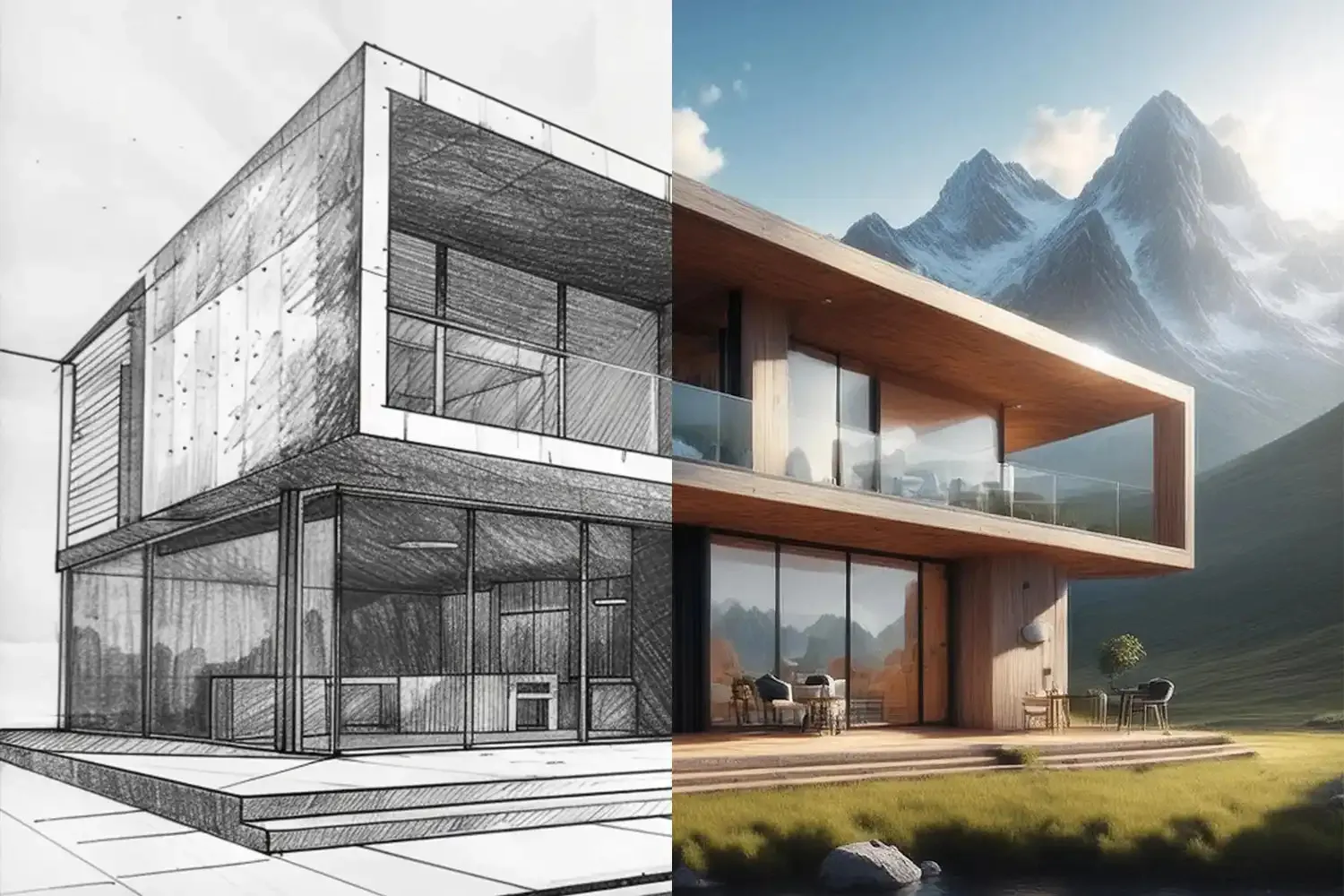
Upload a sketch, basic 3D massing, or rough render, and refine it into a polished concept.
High-Resolution Rendering
Generate large, crisp visuals ideal for client presentations, moodboards, and editorial use.
Material & Object Modification
Replace furniture, change flooring, swap wall textures, or adjust lighting—instantly.
Batch Variation Generation
Create multiple design directions in minutes.
Architectural Style Presets
Mid-century, minimalist, Nordic, brutalist, Mediterranean, tropical modernism—the AI adapts.
Creative Moodboard Generation
Perfect for designers who want to explore materials, palettes, and atmospheres quickly.
3.3 When To Use Getimg.ai in Your Workflow
- Early concept design before detailed 3D modeling
- Material, furniture, and color exploration
- High-quality moodboards for client presentations
- Rapid iterations of interiors and exteriors
- Exploring multiple design directions
- Visualizing early massing concepts from Revit or SketchUp
For many studios, Getimg.ai becomes the “idea accelerator” before committing to full 3D production.
4. Midjourney — Best for Stylized, Artistic Architectural Concepts
Midjourney remains one of the most visually creative AI image generators available.
Strengths
- Exceptional artistic expressiveness
- Strong atmospheric qualities
- Ideal for conceptual sketches and stylistic explorations
- Great for generating mood-driven visual narratives
Limitations
- Limited geometric accuracy
- No native architectural tools or constraints
- Discord-based workflow can feel restrictive
Use it when: You need moody, atmospheric visuals early in the ideation stage.
5. Stable Diffusion — Best for Technical Control & Custom Models
Stable Diffusion is the most customizable AI model on the market.
Strengths
- Custom architectural models (ArchiDiff, InteriorVision, UrbanDiffusion)
- ControlNet allows precise geometry, layouts, floorplans
- Many plug-ins and extensions
- Full control, especially for advanced users
Limitations
- More technical setup
- Requires a strong GPU unless using cloud solutions
Use it when: You need absolute control over geometry, layout, and style.
6. DALL·E 3 — Best for Clean, Client-Friendly Imagery
DALL·E 3 excels at generating clear, well-structured images with strong semantic understanding.
Strengths
- Very clean architectural compositions
- Good for exteriors, interior concepts, and simple massing
- Excellent text understanding
- Easy integration through web or API
Limitations
- Less technical precision than SD-based models
- Limited fine control
Use it when: You want clean visuals for early-stage presentations.
7. Adobe Firefly — Best for Material Tweaks & Photoshop Integration
For architects who already rely heavily on Photoshop, Firefly is a natural fit.
Strengths
- Ideal for adjusting furniture, textures, and materials
- Perfect for modifying existing renders
- Excellent generative fill features
- Deep Photoshop integration
Limitations
- Not a standalone rendering or visualization tool
- Works best as part of post-production
Use it when: You want to polish or enhance your final renders.
8. Real-Time Renderers + AI Plug-ins — Best for Hybrid Workflows
Tools like Lumion, Enscape, and Twinmotion increasingly include AI features:
- Sky and lighting correction
- Material upscaling
- Real-time scene enhancement
- Improved environmental realism
Use them when: You want traditional real-time rendering combined with AI-powered polish.
9. Specialized Interior AI Tools Worth Exploring
These tools are useful for quick interior ideation:
RoomGPT
Fast room transformations and layout alternatives.
Reimagine Home
Swap furniture, colors, and materials.
Planner 5D AI
AI-assisted layout generation and moodboard creation.
InteriorAI
Quick style changes and interior transformations.
Use them when: You need fast, simple interior ideas—not final visuals.
10. Comparison Table — Which AI Tool Should You Use?
| Tool | Best For | Strengths | Ideal User |
|---|---|---|---|
| Getimg.ai | Moodboards, concept design, rapid iteration | High-res outputs, refinement, architecture-friendly | Architects, interior designers, studios |
| Midjourney | Stylized concepts | Artistic, atmospheric visuals | Early idea exploration |
| Stable Diffusion | Technical control | Custom models, geometry guides | Advanced users, studios |
| DALL·E 3 | Clean, client-ready visuals | Strong structure, clarity | Presentations, early concepts |
| Adobe Firefly | Enhancing existing renders | Photoshop integration | Post-production refinement |
| Interior AI tools | Fast room concepts | Easy and quick | Beginners, homeowners |
11. How To Integrate AI Into a Professional Architectural Workflow
A recommended workflow looks like this:
1. AI Moodboards & Concepts (Getimg.ai, Midjourney)
Explore materials, lighting, styles, and atmospheres.
2. Early Spatial Layouts (Stable Diffusion + Control Tools)
Guide the geometry and proportions.
3. Detailed Modeling (SketchUp / Revit / 3ds Max / Blender)
Translate AI concepts into buildable architecture.
4. Real-Time Visualization (Enscape / Lumion / Twinmotion)
Produce interactive scenes.
5. AI Post-Production (Getimg.ai, Photoshop + Firefly)
Polish, enhance, upscale, and refine final visuals.
Getimg.ai fits naturally between every stage—especially in early ideation and refinement.
12. Final Thoughts: AI’s Expanding Role in Architectural Visualization
AI visualization tools are evolving swiftly, and their impact on architecture is undeniable. They drastically reduce the time spent on early-stage visuals, unlock creative possibilities, and help designers explore more ideas with greater clarity.
Among the many options available today, Getimg.ai stands out for its professional-grade output, flexible workflows, and exceptional capabilities for moodboards, concept iterations, and high-resolution visualization.
As AI continues to evolve in 2025 and beyond, architects who embrace these tools will find themselves with a competitive edge—faster workflows, richer visuals, and a deeper creative toolkit.